Download JEvents

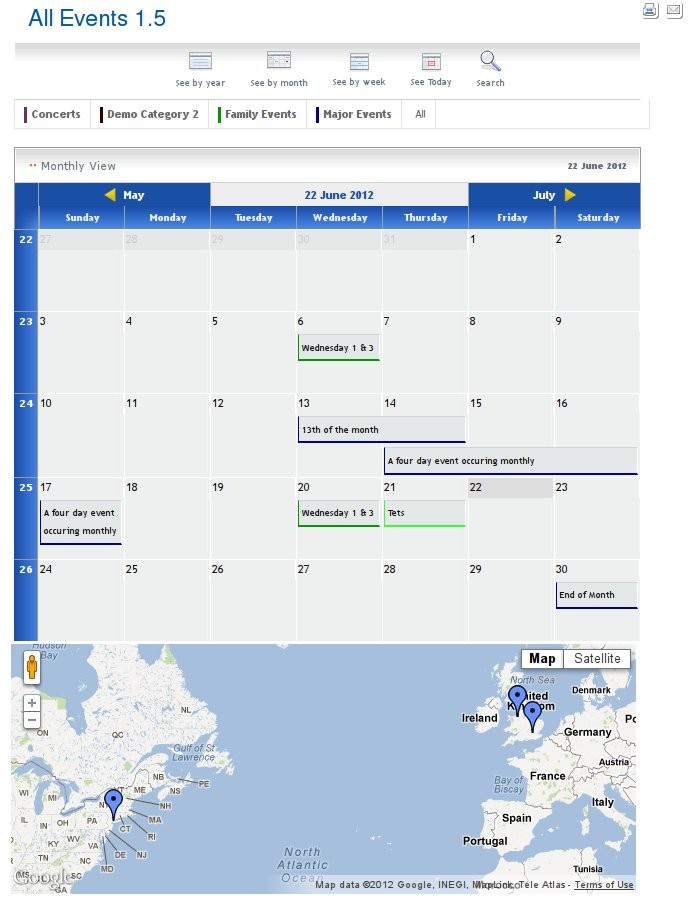
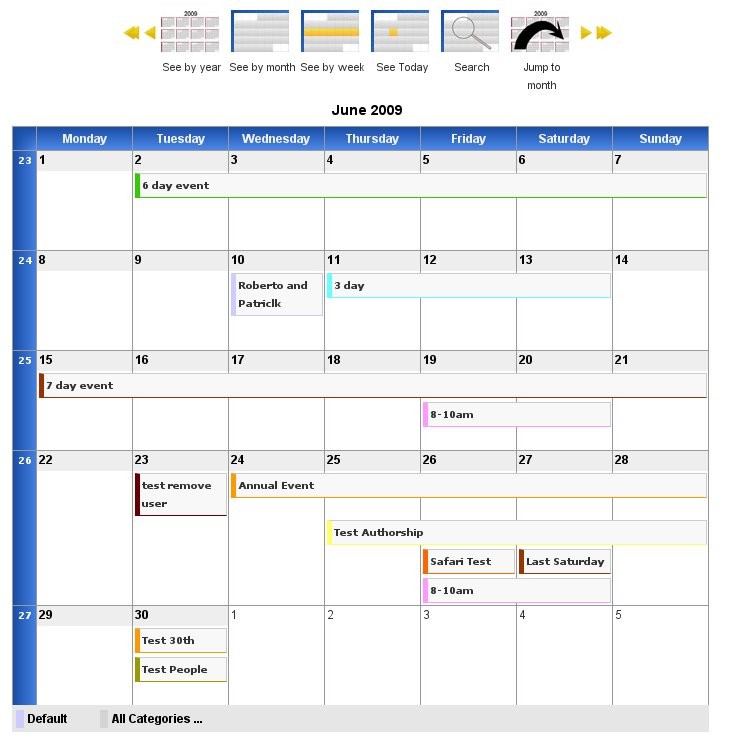
If your tooltips don't appear in the monthly calendar, or the calendar popup doesn't work when editing events in the frontend of your site then its probably a javascript library clash.
JEvents uses the official Joomla javascript library MooTools but some module, plugin or template developers choose to use an incompatible library called jQuery.
If you get these problems look at your javascript error logs you and if you see error messages like 'window.addEvent is not a function', then this is probably the problem. Otherwise you could view the page source in your web browser and search for the text 'jquery'.
The Solution
The long term solution is for all developers to support the official Joomla javascript library but in the meantime these other options may help:
- Find the template, module or plugin that is loading the jQuery library and configure it to use the no-conflict mode,
- If that doesn't help then your only other option is to contact the developers of the offending module, plugin or template and ask them to incorporate this option
- If that doesn't help then you will need to find a module, plugin or template that uses the official Joomla libraries.