Download JEvents

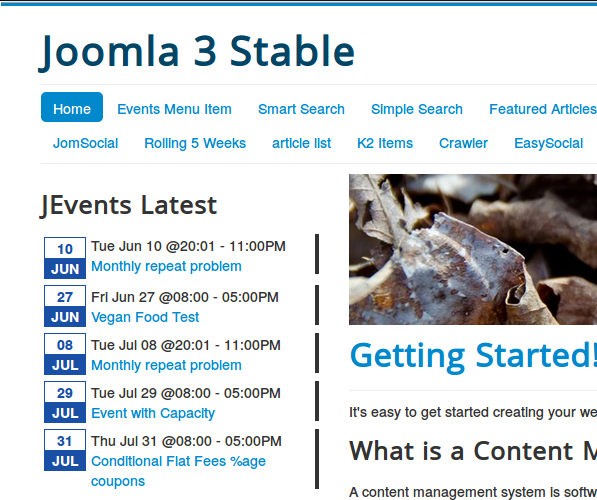
This article describes the custom format strings in the latest events module - and makes reference to incorporating elements from club addons e.g. custom fields, images
If your format string is being ignored MAKE SURE you have 'Use settings below' checked in your module parameters.
Fields
The custom formatting strings are based around substituting field codes with their values from an event - the available fields are:
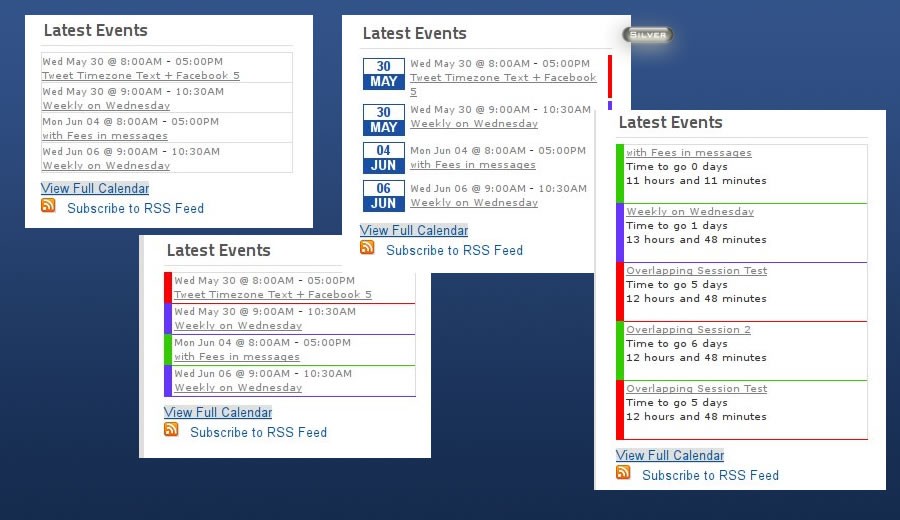
- ${startDate}, ${endDate} = The start and end date/time of the event repeat
- ${eventDate} = The date being looked at - if you are showing events over the next 7 days and a multiday event has already started then this date may be midway through the event.
- ${title} = The event title (automatically converted to a link if you set the config option for this)
- ${category} = The event category
- ${calendar} = The name of the calendar the event is in
- ${contact} = The event contact details
- ${content} = The event description. If you want the content to be truncated/cut short at a certain length then use something like ${content(120|...)} - this will cut the content to only 120 characters and then put ... if the content is longer.
- ${addressInfo}, ${location} = The event location
- ${extraInfo} = Extra information
- ${createdByAlias}, ${createdByUserName}, ${createdByUserEmail}, ${createdByUserEmailLink} = details about the creator of the event
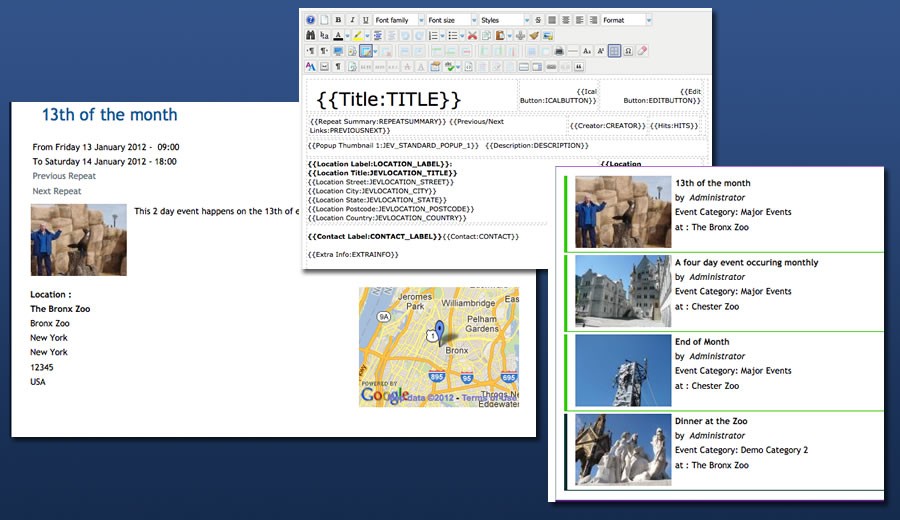
- ${eventDetailLink} = A link to the event detail. So you could do this <a href="/${eventDetailLink}">{thumbimg1}</a> to link a thumbnail image to the event detail page.
- ${color}= The hex code of the event colour.
- $(countdown) = The time until an event starts. e.g. ${countdown(Days to go %d)} or ${countdown(Time to go %d days %h hours and %m minutes)}
- ${categoryimage} - Used to show the image assigned to the category, from the category manager.
- ${duration(%d Days %h hours %m minutes)} - used to show the duration of an event. You can use %wd for the whole number of days
Special Formatting
All the date fields take formatting options e.g. ${endDate(%I:%M%p)} o r${startDate(D, M jS, Y, @g:ia)}. There are 2 formatting systems you can use based on the php "date" and "strftime" functions - see http://php.net/manual/en/function.date.php and http://php.net/manual/en/function.strftime.php . You should not mix and match there within a specific field
Conditional Fields
There is limited support for conditional output in the format string. The module supports 3 different conditional flags:
- a = Condition on all day events
- e = Condition on events with no specified end time
- m = Condition on events multi day events
You would use [a: xxxxxxxx] to output xxxxxxxx when the condition is true or [!a: yyyy] to output yyyy when the condition is not true.
For example if we had this format string:
${startDate(%A %B %e)}[!a:, ${startDate(%l:%M %p)} - ${endDate(%l:%M %p)}]
This would only output the start and end time for an event that is not an all day event
You can 'combine' these conditions e.g.
${startDate(%A %B %e)}[!a:, ${startDate(%l:%M %p)} - ${endDate(%l:%M %p)}][a: - All Day]
This would output something like this for an event with a start and end time
Sunday September 12, 10:00 AM - 6:00 PM
and
Sunday September 12 - All Day
for an event with no end time.
You cannot embed these conditions inside each other.
Club Addon Fields
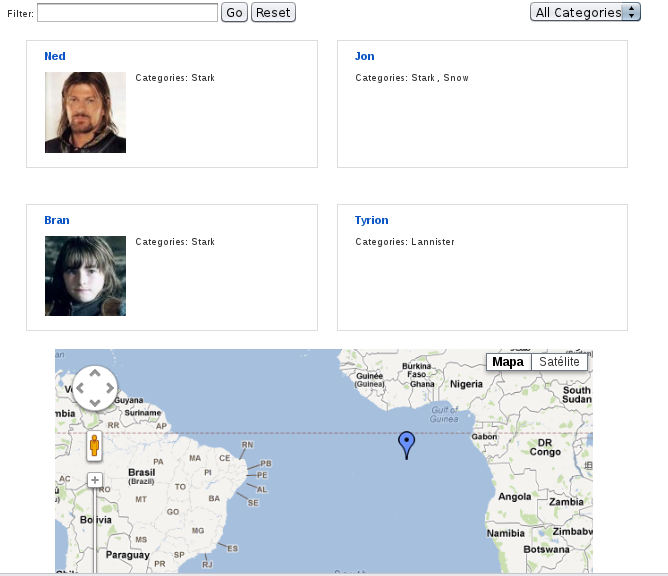
Managed Locations Addon
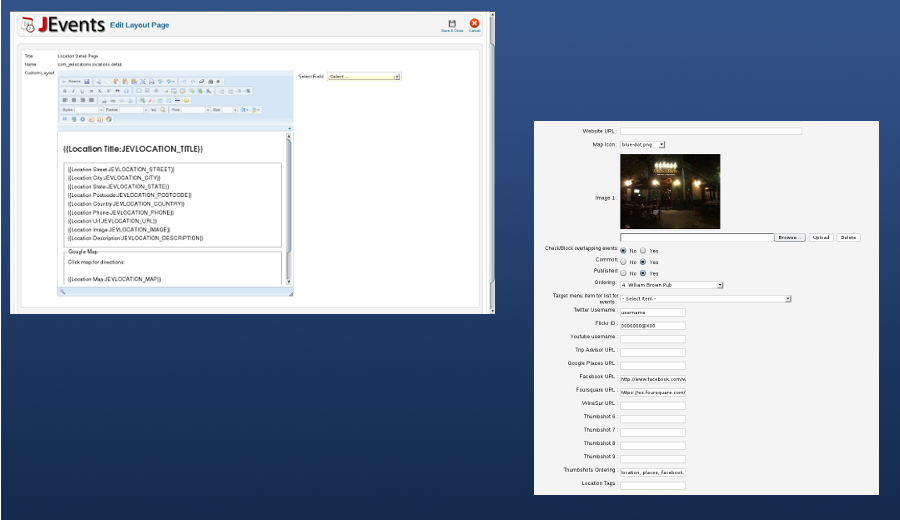
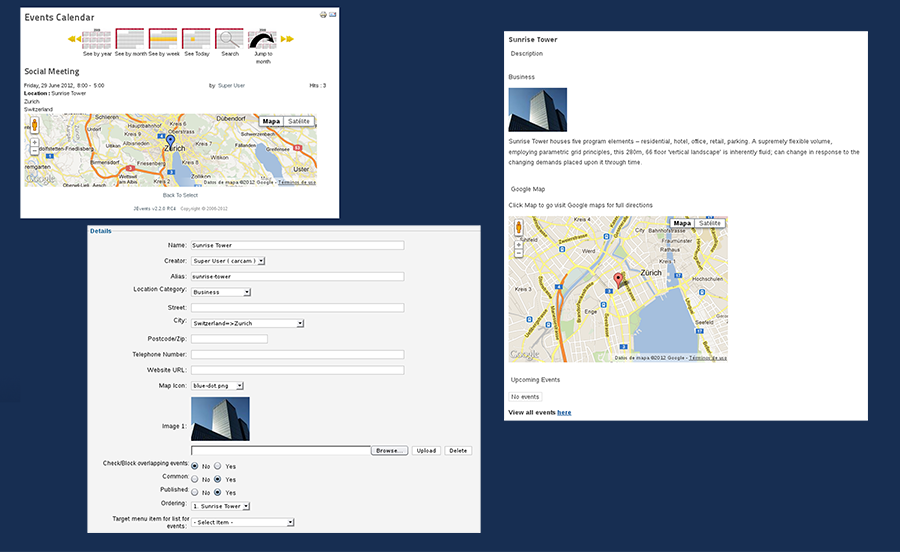
The following fields are supported ${loc_title}, ${loc_id}, ${loc.street}, ${loc_desc}, ${loc_postcode}, ${loc_city}, ${loc_country}, ${loc_state}, ${loc_phone}, ${loc_image}, $loc_url}
Standard Image/File Uploads
You must enable the display of images in list views in the plugin parameters if you want to use thumbnail images in your latest events module.
The following fields are available: The images as full html image tags = ${imageurl1}, {thumbimg1} and the URLs of the images are ${imageimg1}, ${imagethumb1}
Custom Fields
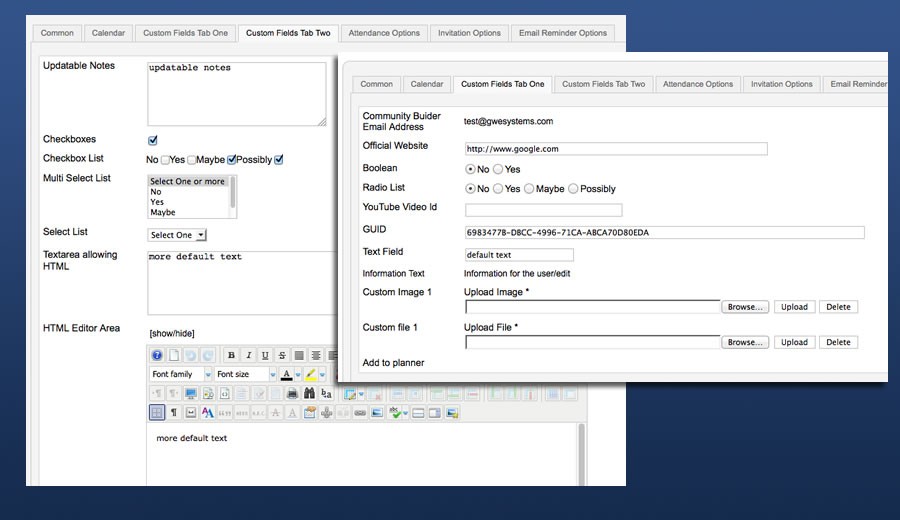
You must enable the display of custom fields in list views in the plugin parameters and use the special new version of the module in the custom fields download area.
For a field with a name of field1 you use this code ${field1}
JEvents Tags
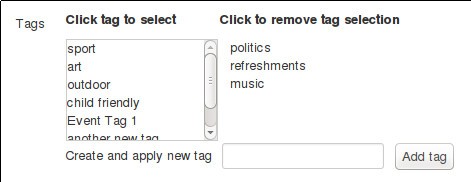
You must enable the display of tags in list views in the plugin parameters.
Use the code ${jevtagstext} or ${jevtagsraw} - the first of these includes a label as well as the list of tags.
Using Codes From the Layout Editor
Finally if the fields you are interested in are not listed above then you can use the 'codes' from the JEvents layout editor (for list views) in the custom format string. For example
- to show the attendee count from RSVP Pro you can use ${ATTENDCOUNT}
- to show the registration closing date you can use ${REGCLOSING}
- to show the managed people summar you can use ${JEV_PEOPLE_SUMMARY}
- etc.